Scam Alert
Hello and welcome to Scam Or Reliable.

Scam Alert
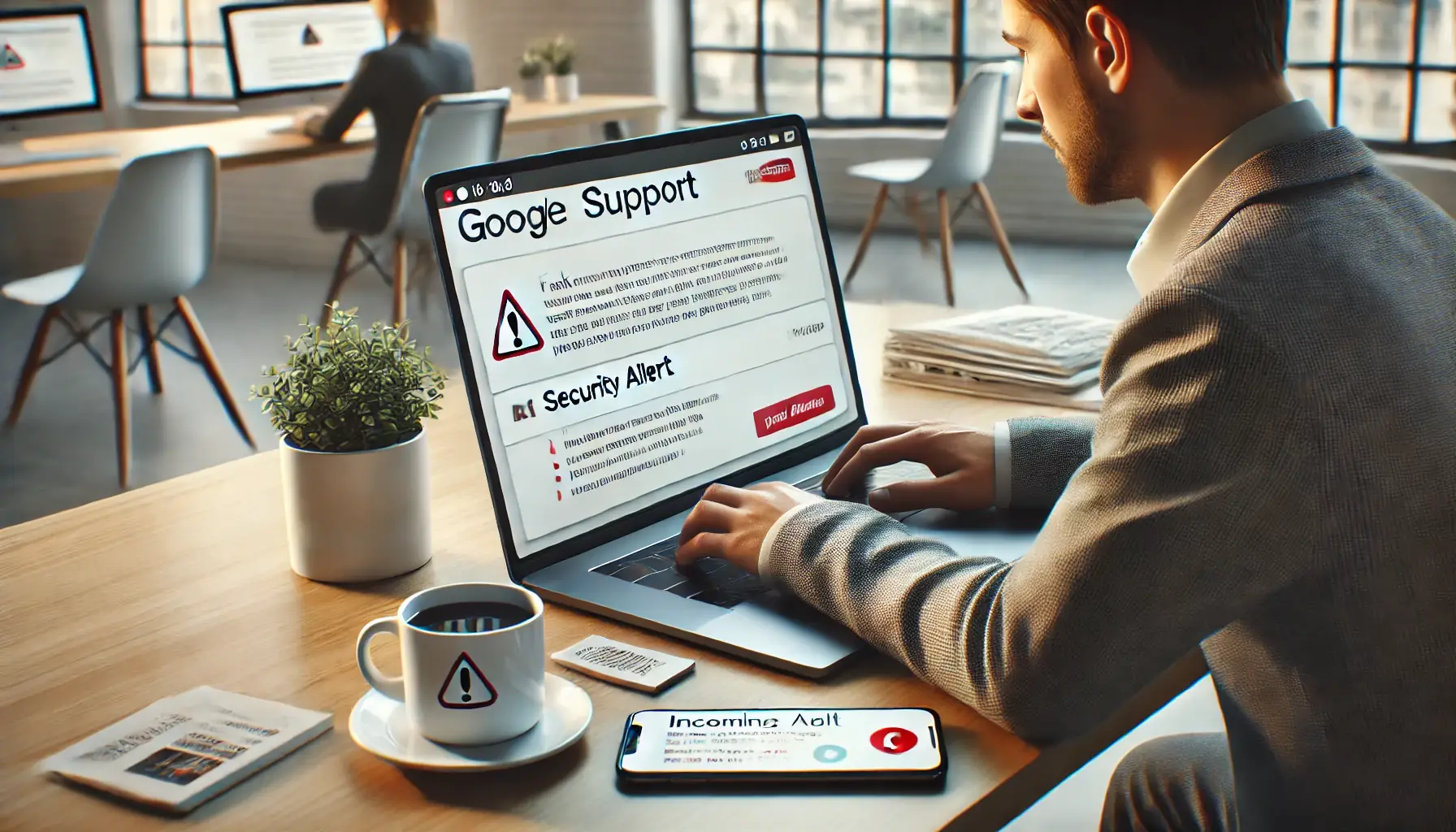
A well-organised scam combines a phone call and a fake email to make it seem like a security intervention is taking place on your Google or Apple account.
Do not be intimidated: here are the warning signs to spot in order to avoid this manipulation.
Fraudsters pose as support or security agents linked to Google or Apple. To make their story more convincing, they follow up with an email that appears to confirm that urgent action is being taken on your account.
It often begins with an alarming phone call mentioning a suspicious login, an unknown device or an attempted access to your account. Shortly afterwards, the victim receives a message presented as an official confirmation, with a professional tone and reassuring content on the surface.
This “call + email” combination is designed to build trust, then push the targeted person to click a link, share a verification code, provide login credentials or approve a sensitive action.
Warning signs : unexpected call, excessive urgency, email received immediately after the call, request for login codes, suspicious “security” link, pressure to act without verifying, unusual sender address.
If you receive a call followed by an email claiming to confirm a Google or Apple security alert, stay calm and do not approve anything in a hurry. Log in directly to your account through the official website or app to check whether there is actually an issue.
You can report this attempt to National Cyber Security Centre (UK), Federal Trade Commission (US) and consult the official support pages of Google or Apple.
Reporting the scam on an official platform and informing those around you helps reduce the number of victims.
For more information, you can also read our full article on fake technical support agents, and for better protection: 👉 Useful resources to identify ongoing scams ; 👉 Essential reflexes to avoid online scams ; 👉 How to respond to fraud or scam attempts
To help you, we also offer the following tools:



Consumer Reviews and Testimonials