Scam Alert
Hello and welcome to Scam Or Reliable.

Scam Alert
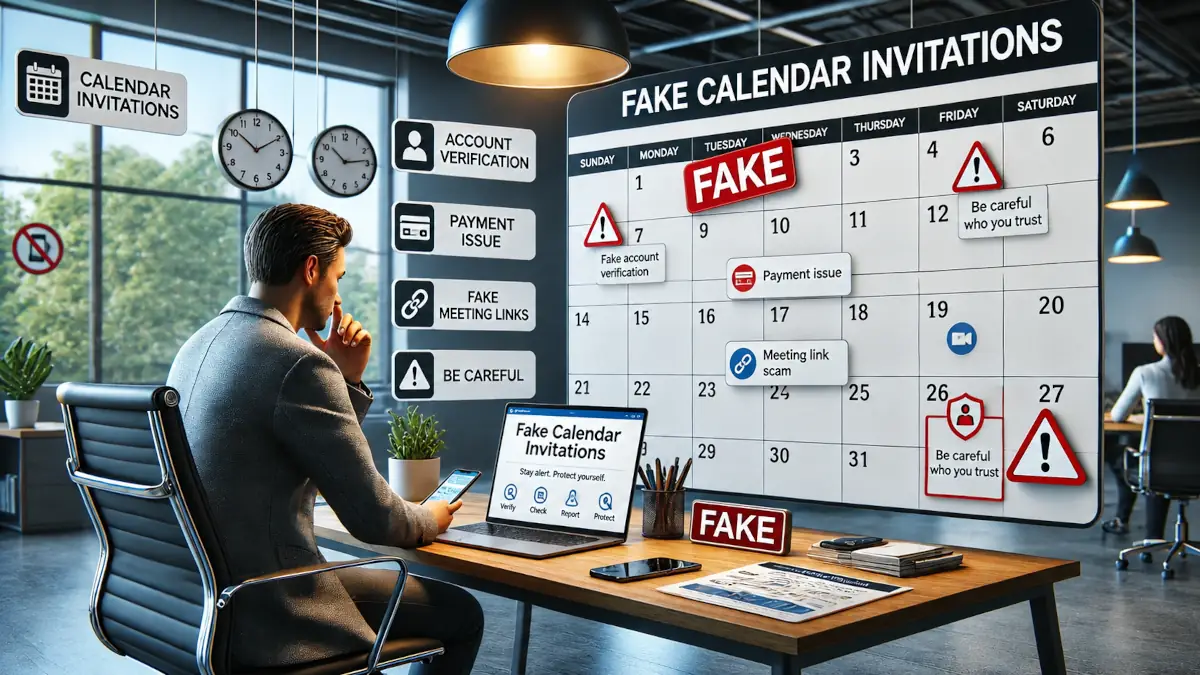
Scammers use calendar invitations to make fake appointments appear in Google Calendar, Outlook or other online calendars.
Stay alert: an unknown event may hide a phishing link, a fake emergency or an attempt to steal data.
This scam consists of placing a fraudulent invitation directly in your calendar in order to make the trap appear more credible.
The message may refer to a blocked payment, a parcel, an urgent meeting, a gift, an invoice or an account problem.
Scammers send a calendar invitation that may sometimes be added automatically or appear as a legitimate reminder.
The event often contains a link, an attachment or alarming text designed to push the victim into acting quickly.
The aim is to make you open a fraudulent page, share your login details, enter your banking details or download a dangerous file.
Warning signs: unknown appointment, strange sender, artificial urgency, shortened or suspicious link, promise of a prize, payment request, unexpected attachment, event repeated several times in the calendar.
An unknown appointment in your calendar should never be treated as a harmless reminder: it may be a phishing attempt designed to bypass your vigilance.
If you receive this type of invitation, delete it, do not click on any link and check your account security settings.
Report this type of scam on an official platform such as the National Cyber Security Centre (UK), Report Fraud (UK), ReportFraud.ftc.gov (US), the FBI Internet Crime Complaint Center (US) or the official portal in your country, then warn your relatives to prevent further victims.
To better understand the reflexes to adopt when faced with this type of trap, these resources may help:
Free tools are also available to check, react or train yourself when faced with attempted scams:



Consumer Reviews and Testimonials