Blog post: Online security
Hello and welcome to Scam Or Reliable!

Blog post: Online security
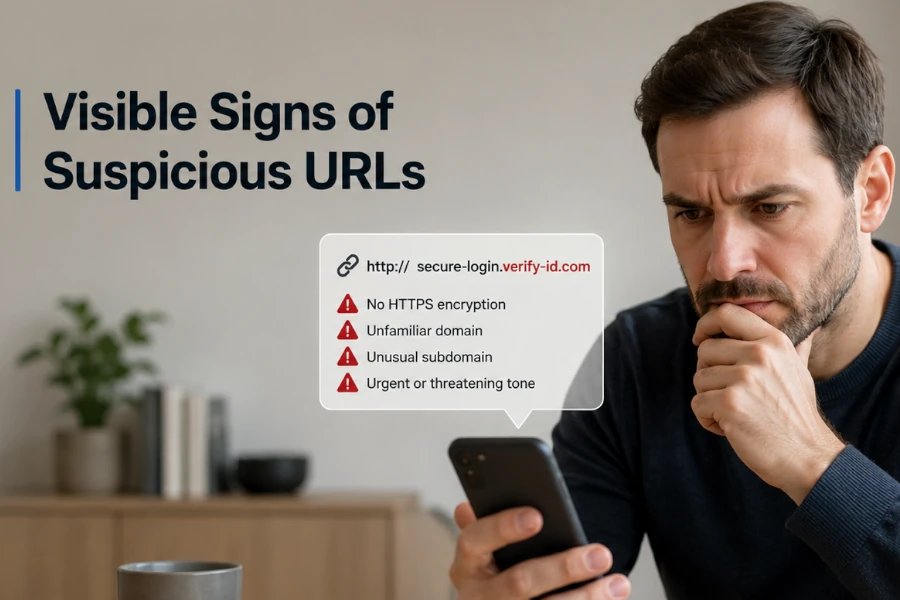 A fraudulent link is not always recognisable at first glance. Scammers now use addresses that imitate well-known brands, delivery services, banks, government bodies or payment platforms.
Yet some visible signs can often help you spot an anomaly before clicking.
Learning to read a URL, even quickly, remains one of the most effective reflexes for avoiding phishing, data theft or trapped payments.
A link is not just a technical address. It is also the path that takes you to a page, a form, a payment area or a login request. When it is fraudulent, it can be used to steal your login details, collect your banking data, install unwanted software or push you towards a fake urgent procedure.
Phishing attempts often rely on trust. A message may appear to come from a bank, a delivery company, a public service, a sales platform or even someone close to you. The objective is generally to make you act quickly, without taking the time to check the real address.
Before clicking, you therefore need to slow down. A doubtful URL is not always proof of a scam, but it may be enough to justify an additional check. If in doubt, official bodies such as the National Cyber Security Centre (UK) or the Federal Trade Commission (US) remind users of the importance of not blindly following links received by message.
The domain name is the central element of a link. It is what indicates the real website you are being directed to. In an address such as example.com/service, the main domain is example.com, not the words placed before or after it.
Scammers often play on this confusion. They may include the name of a brand in a subdomain, in a path or in a much longer address. For example, an address containing a well-known brand does not necessarily mean that it belongs to that brand.
You therefore need to identify the main domain before trusting the link. If the expected name does not clearly appear in the right place, caution is needed. A bank, a government body or a major platform generally uses a stable and recognisable official domain.
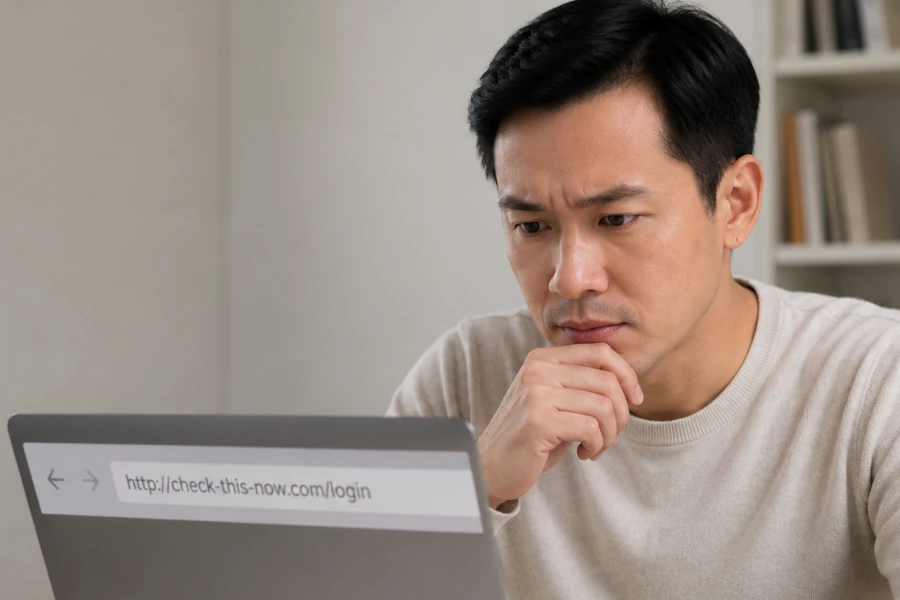
A subdomain is the part placed before the main domain. In login.example.com, “login” is the subdomain and example.com remains the real domain. Fraudsters can use this logic to create addresses that look official.
An address such as bank.secure-verification.example.com may give the impression that it belongs to a bank, whereas the real domain is example.com. The word placed at the beginning catches the eye, but it is not what determines the owner of the website. This technique is common in phishing links.
To check, you need to read the address from right to left up to the main extension. The two most important elements are generally the name just before the extension and the extension itself. If this combination does not match the expected website, it is better not to click.
Fraudulent links sometimes use very slight mistakes. A letter may be replaced, removed or added. The result remains visually close to the official name, especially on a phone screen.
These variations are designed to be read too quickly. “rn” can look like “m”, “0” can replace “o”, and an unusual extension can go unnoticed. This type of imitation aims to exploit the brain’s automatic reading.
You need to be particularly vigilant when the message announces an emergency. The more the message pushes you to act quickly, the more you need to take the time to read the link slowly. A single strange letter can be enough to reveal an impersonation attempt.
URL shorteners can be used legitimately, but they hide the final destination. In a sensitive context, this opacity becomes a problem. A short link received by text message, messaging app or social network should be treated with caution.
A shortened link can redirect to a reliable page, but also to a fake login page, a fake delivery page or a fake offer. The reader does not immediately see where they are going to be sent. This lack of transparency is often used in fraudulent campaigns.
It is preferable to avoid shortened links when they concern a payment, an account, a delivery, a fine, financial assistance or an administrative procedure. To check important information, it is better to open the official website directly from your browser or usual app.
Some words do not prove a scam, but they should attract attention. Fraudulent links and messages often use terms such as verification, security, blocked, refund, delivery, payment, confirmation, urgent case or suspended account. These words are used to trigger a quick reaction.
The trap relies on the fear of losing access to a service, paying fees, missing a parcel or seeing an account blocked. The link then becomes an entry point to a fake immediate solution. The more urgent the promise or threat seems, the more you need to slow down.
A serious organisation generally does not ask you to provide sensitive information under pressure through a link received unexpectedly. If the message concerns a bank, a public service or an important platform, log in by your own means. Do not start from the link provided in the message.
A URL can be long for technical reasons, but an excessively complex address should be observed with caution. Fraudsters can add many words, numbers, parameters or fragments to drown out the important information. The objective is to make reading difficult.
A confusing address may also contain several brand names, reassuring words and incomprehensible strings of characters. This accumulation often serves to create an impression of technicality or legitimacy. In reality, it mainly prevents the user from understanding where they are going.
If you cannot clearly identify the main domain, the destination or the context of the link, do not click. A reliable link is not always short, but it should remain consistent with the requested action. Confusion is rarely a good sign when personal data is involved.
A website can technically be accessible via an IP address, but this is not a normal presentation for a consumer service. A bank, a government body, a delivery company or a major platform will not normally send a main link in the form of numbers. This form should therefore trigger a check.
Addresses made up of numbers are difficult to remember and to link to an identifiable organisation. They can be used to hide the real origin of a page. In an unexpected message, this type of link is particularly suspicious.
It is better not to use this link and to search directly for the service concerned from a reliable source. If in doubt, use your bookmarks, the official app or a search engine while carefully checking the result you choose.
Fraudulent links do not rely only on fear. They also use the promise of a refund, a gift, compensation, a voucher, free delivery or priority access. The link then becomes the mandatory passage towards an advantage presented as simple and quick.
This type of message seeks to reduce your vigilance. If the benefit seems significant for minimal action, you need to check the source. Scammers know that curiosity and the lure of gain can work just as well as urgency.
A real advantage may exist, but it should be possible to confirm it from the official website of the organisation or company. If the offer appears nowhere other than in the message received, the risk increases sharply.
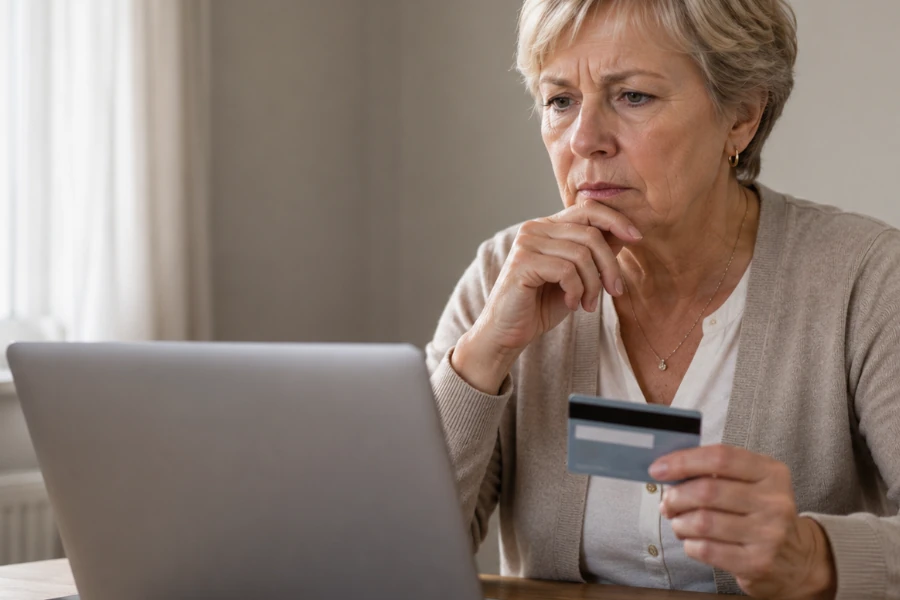
A link becomes much more sensitive when it leads to a login page, an identity form, a bank card request or a payment. Even if the address seems credible, the requested action must be consistent. A simple verification should not always require sensitive information.
The most effective scams imitate familiar interfaces. A fake page can reproduce colours, forms and a layout close to a known service. The danger is therefore not only in the appearance, but in the combination of the link, the context and the request.
Before entering a password, a code received by SMS/text message, a card number or an identity document, leave the link. Reach the service from your browser, official app or bookmarks. This is often the simplest way to bypass a fraudulent redirect.
A link must always be read with its context. If you receive a message about a parcel when you are not expecting anything, a refund you did not request or an account you do not have, the link becomes suspicious. Inconsistency is a signal as important as the address itself.
Fraudulent campaigns are often sent in bulk. They rely on the fact that some recipients will feel concerned. Even a message that seems personalised may be generated automatically from public or already compromised information.
You therefore need to ask yourself a simple question: why am I receiving this link now? If the answer is not clear, do not click. Look for confirmation through another channel, especially if the message involves money, an account, an identity or urgency.
If a link seems doubtful, the first rule is not to click. If you have already opened the page but have not entered anything, simply close it and avoid any interaction. If you have shared information, the situation becomes more urgent and you need to act according to the type of data communicated.
You can also report certain suspicious messages or links to the appropriate official platforms. In the UK, the National Cyber Security Centre lets you report suspicious websites and GOV.UK explains how to forward suspicious emails and text messages. In the United States, ReportFraud.ftc.gov and the FBI’s Internet Crime Complaint Center can be used to report scams, fraud and cybercrime.
A suspicious link is not always identified through a single clue. It is often the combination of several signs that should raise the alarm: strange domain, urgency, excessive promise, overly long address, misleading subdomain or request for sensitive data. The right method is to slow down, read the real address and check through an independent channel.
To strengthen your reflexes, you can consult our guide on the right reflexes to avoid common scams. If you have already clicked or shared information, use our guidance tool to react after a fraud instead. And to train yourself to recognise traps before they affect you, the interactive anti-fraud vigilance test can help you adopt the right automatic responses.