Blog post: Online security
Hello and welcome to Scam Or Reliable!

Blog post: Online security
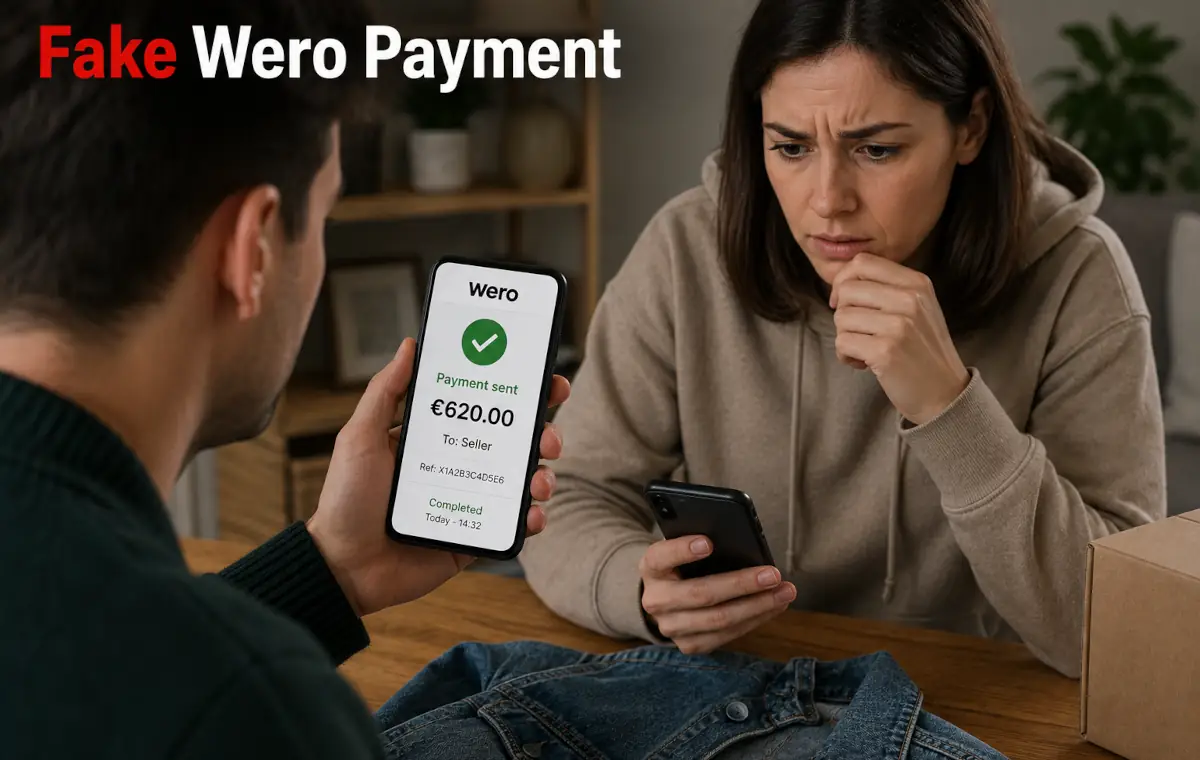 For some time, several reports have described scams using the Wero name in the context of sales between individuals.
Fraudsters notably target sellers on second-hand platforms by making them believe that an instant payment has just been made. The danger does not come from the Wero system itself, but from fake SMS messages, emails and websites designed to steal banking information.
Before handing over an item or validating an operation, a few checks can help avoid the trap.
A sale between individuals often relies on a quick discussion, a meeting arranged remotely and trust built in just a few messages. This format leaves little time to verify the other person’s identity or understand exactly how the payment should take place. The speed associated with instant payments can also push the seller to act before checking what actually appears on their own account.
The currently reported scenario usually begins on a second-hand platform. A fake buyer immediately shows interest in the item, accepts the price without negotiating and offers to pay in advance with Wero in order to “reserve” or “block” the sale. They then ask for the seller’s name and phone number, information that can indeed be used to identify a Wero user, but which they then exploit to make their fraudulent message more credible.
The seller then receives a screenshot accompanied by an SMS or email claiming that the payment has been made. The message invites them to click on a link to receive, confirm or unblock the money. However, a real Wero receipt does not require validation from a link received by SMS or email. The payment should appear directly in the Wero app or in the beneficiary’s official banking app.
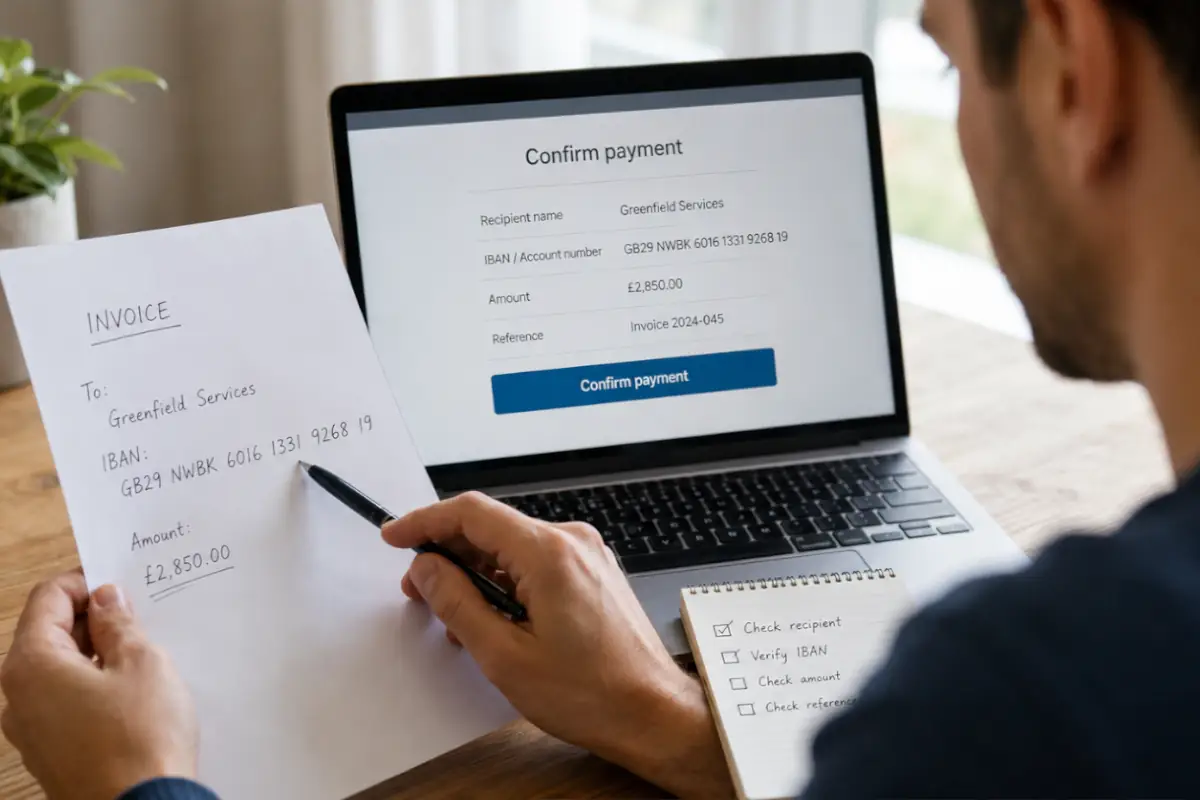 Payment is often presented as a simple formality at the end of the discussion. This is precisely when the fraudster tries to speed up the exchange. They claim that the money has already been sent, show a fake confirmation and insist that the seller immediately follow the instructions received.
The link sent usually leads to a page imitating the Wero website or a bank interface. The seller may be asked to enter their card number, banking credentials, a password or a confirmation code. This information is not used to receive the payment: it allows fraudsters to take control of banking access or authorise a fraudulent transaction.
In a sale involving Wero, verification must always be carried out directly from the official app already installed on the phone. A screenshot, SMS, email or page opened from a link is never sufficient proof. As long as the amount does not clearly appear in the seller’s banking or Wero app, the item should not be handed over or shipped.
The fake payment scenario is now clearly identifiable. The fraudster tries to appear reassuring while avoiding the normal steps of a sale. They may accept the price immediately, say they are unavailable for an in-person handover or offer to send someone else to collect the item after the supposed payment.
The main warning sign is receiving an SMS or email announcing a Wero payment and containing a link. Wero states that receipts, sends and money requests appear directly in the Wero app or in the compatible banking app. No external link is needed to receive the funds.
Other inconsistencies may appear: the buyer changes identity, uses several numbers, asks for banking data or tries to guide the seller on their phone. They may also threaten to cancel the payment or claim that the money will remain blocked if an additional procedure is not completed.
A secure sale is prepared before the meeting or shipment. The seller should decide in advance how they will accept payment and specify that the item will only be handed over once the amount has effectively appeared in their banking or Wero app.
It is preferable to keep exchanges in the messaging system of the sales platform. A buyer who quickly asks to continue the conversation by SMS, WhatsApp or email may be trying to bypass the platform’s detection and reporting systems. This change of channel also makes it easier to send a fraudulent link.
Sharing your phone number may be necessary to receive a Wero payment, but no additional banking information should be transmitted. The beneficiary does not have to provide their card number, PIN code, banking credentials or validation code to receive money.
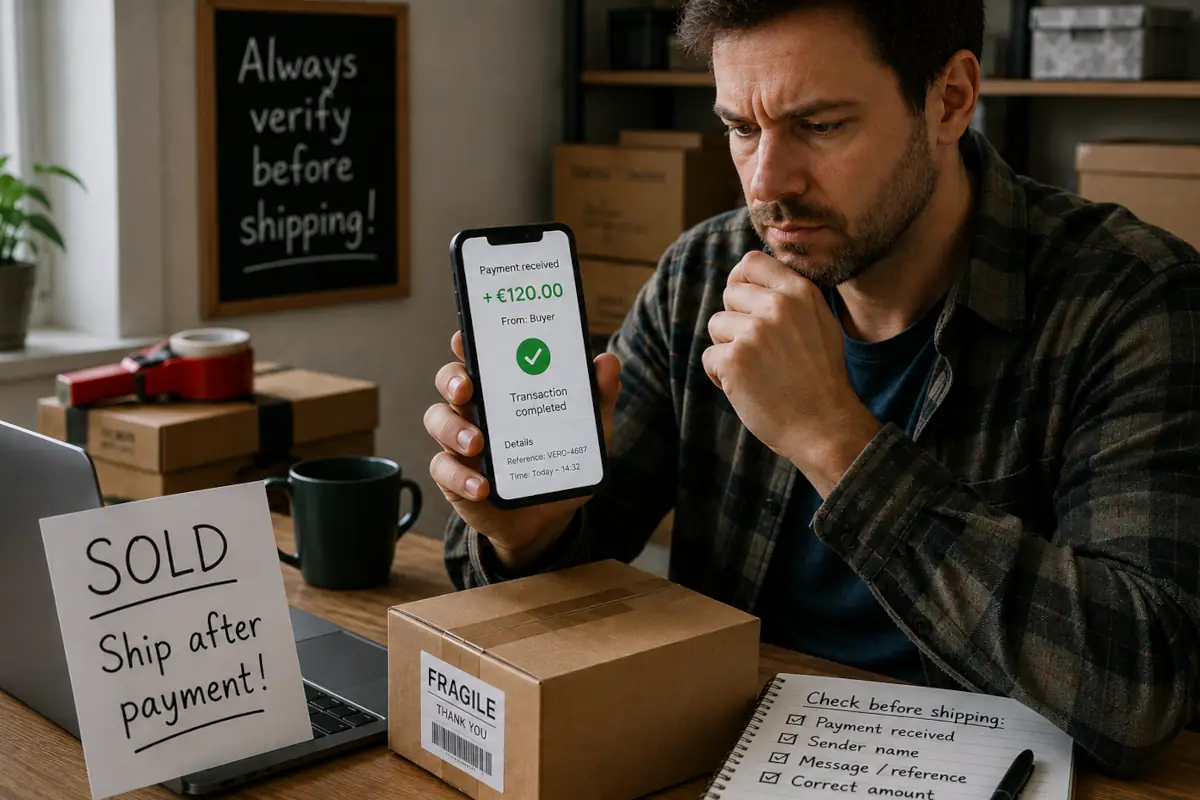 At the moment of payment, the seller must open their Wero app or official banking app themselves. They must not use a link sent by the buyer, even if the page displayed perfectly reproduces the logo, colours or usual presentation of the service.
A genuine transaction appears directly in the app history. If no payment is visible, the money should be considered not received. The seller must not be convinced by a screenshot, a notification shown on the buyer’s phone or the claim that the transfer is temporarily blocked.
The same vigilance applies to money requests. A fraudster may impersonate a relative, a bank or an official organisation and send a Wero request by invoking an emergency. Before accepting it, the identity of the requester must be verified directly through another known means of communication.
The main mistake is confusing a payment announcement with actual receipt. An SMS saying that someone has just sent you money is not proof. According to Wero’s recommendations, an unexpected message announcing a payment and inviting you to click on a link should be considered fraudulent.
You should also avoid entering sensitive information on a page opened from a message. Fake sites can faithfully reproduce a banking interface and immediately send the data entered to scammers. They can then try to log into the account or obtain validation of a transaction.
Finally, no supposed Wero or banking adviser should ask you by phone to provide a code or validate an operation. The fraudster may call just after sending the fake SMS to reassure the victim and guide them through to confirming the fraudulent payment.
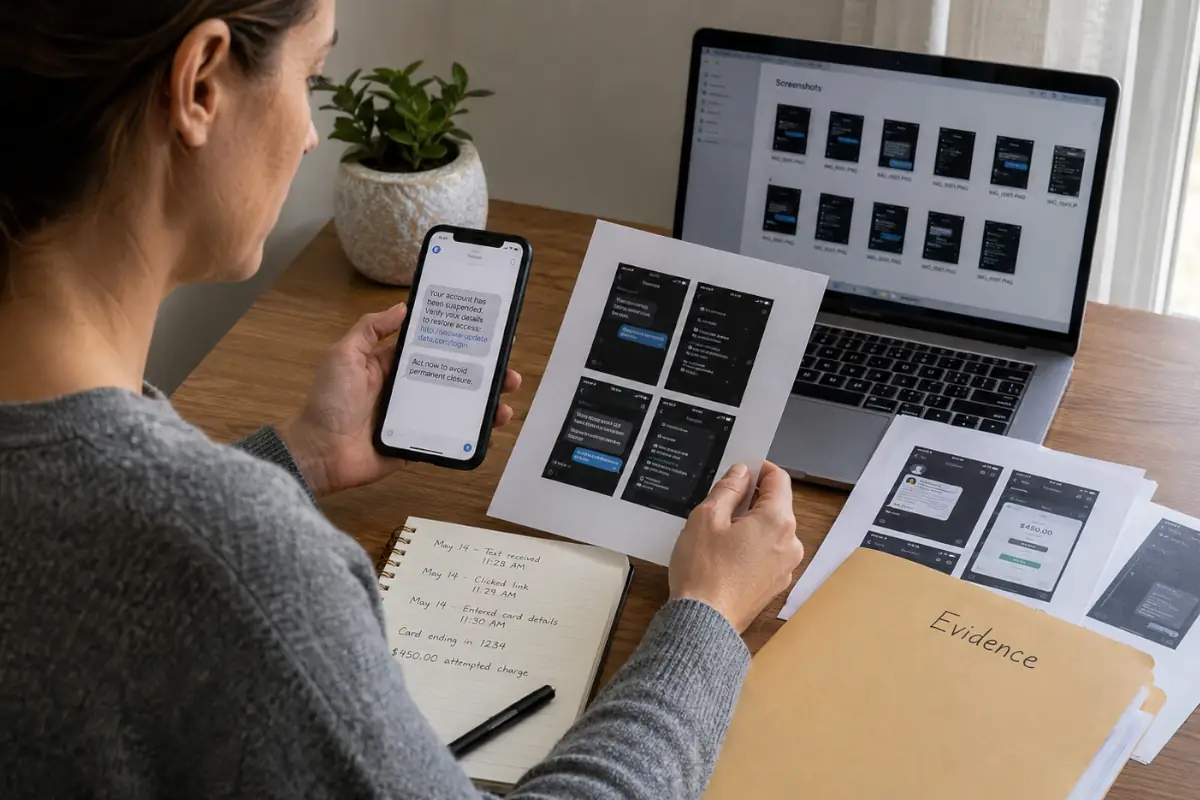 If you have simply received a suspicious message without clicking on the link, do not reply and do not continue the transaction. Keep a screenshot of the message, block the sender and report the profile to the platform on which the contact began.
If you opened the link but did not enter any information, close the page immediately. Do not download any file and do not validate any banking notification linked to this attempt. You can also report the fake site to Wero or to your bank through their official channels.
If you have shared credentials, card data or a validation code, contact your bank immediately. Ask for the relevant payment methods or access to be blocked and report any operations you do not recognise. Never use the contact details in the fraudulent message to contact your institution.
Sellers are not the only targets. A fake seller may offer a sought-after item at an attractive price, request immediate payment with Wero and then disappear without shipping the item. Since a transfer between individuals does not automatically provide commercial protection, the listing and the identity of the other person must be checked before paying.
The buyer should prioritise the payment and delivery systems integrated into the platform when they offer suitable protection. A seller who insists on leaving the official messaging system, refuses any in-person handover or asks for a Wero payment on the pretext that other people are interested creates a significant risk.
You must also carefully check any money request received in the app. A scammer may pose as a relative, a bank, an administration or a support service and invoke an emergency. A real request should only be accepted after directly verifying the beneficiary’s identity and the reason for the payment.
Waves of scams using the Wero name mainly rely on phishing and impersonation. During a sale between individuals, the fake buyer claims to have paid, sends a screenshot and then sends an SMS or email containing a link to a fake site. The aim is not simply to obtain the item: it is often to collect the seller’s banking information or make them validate a fraudulent transaction.
The essential rule remains simple: a real Wero payment must only be checked in the Wero app or in the official banking app. No link, phone call or code transmitted to a third party is needed to receive money. In the presence of an unusual request, the exchange must be interrupted and the bank contacted through its usual contact details.
To strengthen your reflexes, you can consult our practical advice to reduce everyday scam risks, use our tool for assessing a dubious link if a message seems suspicious, or turn to the post-fraud support path if you think you have been trapped.